
CloudCollection#add 创建云并设置其初始属性,
通过 CloudCollection#remove 移除。不要直接调用构造函数。
CloudCollection.
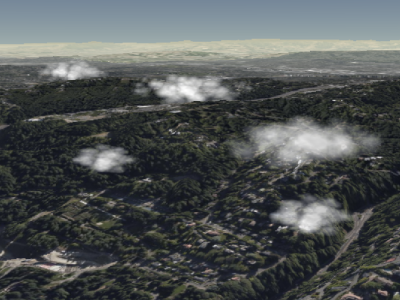
Example cumulus clouds
Performance:
Similar to Billboard, reading a property, e.g., CumulusCloud#show,
takes constant time. Assigning to a property is constant time but results in
CPU to GPU traffic when CloudCollection#update is called. The per-cloud traffic is
the same regardless of how many properties were updated. If most clouds in a collection need to be
updated, it may be more efficient to clear the collection with CloudCollection#removeAll
and add new clouds instead of modifying each one.
Members
cloud.brightness = 1.0;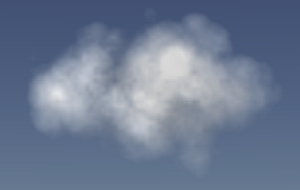 |
cloud.brightness = 0.6;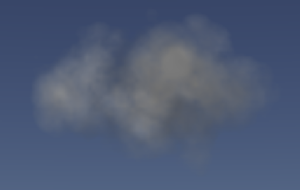 |
cloud.brightness = 0.0;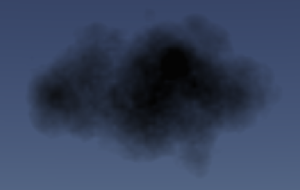 |
-
Default Value:
1.0
-
Default Value:
Color.WHITE
maximumSize : Cartesian3
获取或设置广告牌上渲染的积云的最大尺寸。 这定义了一个云可以出现的最大椭球体积。 该属性并不保证特定大小,而是指定一个云可出现的边界, 更改它可以影响云的形状。
更改 maximumSize 的 z 值对云的外观影响最为显著,
因为它改变了云的深度,从而改变了对云形纹理进行采样的位置。
cloud.maximumSize = new Cesium.Cartesian3(14, 9, 10);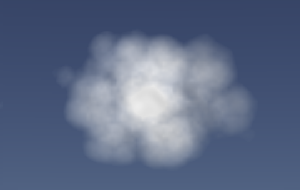
|
cloud.maximumSize.x = 25;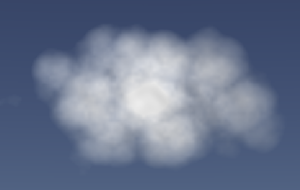
|
cloud.maximumSize.y = 5;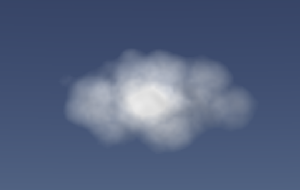
|
cloud.maximumSize.z = 17;
|
To modify the billboard's actual size, modify the cloud's scale property.
See:
获取或设置积云广告牌以米为单位的缩放比例。
scale 属性会影响广告牌的大小,
但不会影响云的实际外观。
cloud.scale = new Cesium.Cartesian2(12, 8);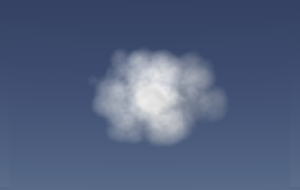
|
cloud.scale = new Cesium.Cartesian2(24, 10);
|
To modify the cloud's appearance, modify its maximumSize
and slice properties.
-
Default Value:
true
获取或设置广告牌上渲染的云的 "slice",即 为广告牌外观选定的云的特定横截面。 给定一个介于 0 和 1 之间的值,slice 指定了基于其在 z 方向上的最大尺寸 与云相交的深度。
cloud.slice = 0.32;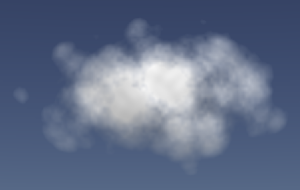 |
cloud.slice = 0.5; |
cloud.slice = 0.6; |
Due to the nature in which this slice is calculated,
values below 0.2 may result in cross-sections that are too small,
and the edge of the ellipsoid will be visible. Similarly, values above 0.7
will cause the cloud to appear smaller. Values outside the range [0.1, 0.9]
should be avoided entirely because they do not produce desirable results.
cloud.slice = 0.08;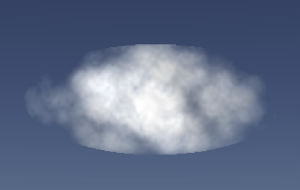 |
cloud.slice = 0.8;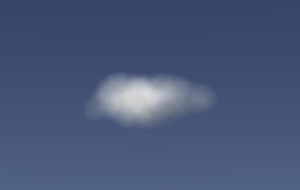 |
If slice is set to a negative number, the cloud will not render a cross-section.
Instead, it will render the outside of the ellipsoid that is visible. For clouds with
small values of `maximumSize.z`, this can produce good-looking results, but for larger
clouds, this can result in a cloud that is undesirably warped to the ellipsoid volume.
cloud.slice = -1.0;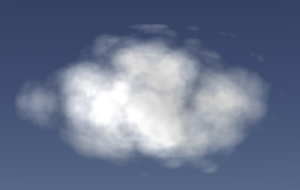
|
cloud.slice = -1.0;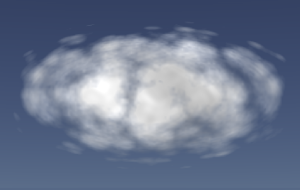 |
-
Default Value:
-1.0